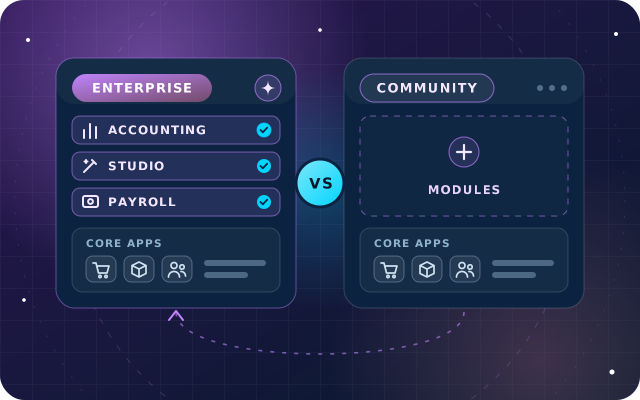
Odoo Enterprise
Odoo Enterprise vs Community: How to Choose the Right Edition
Apps, hosting, upgrades, support and total cost compared, with a decision table for growing businesses in the UAE.
· 9 min read
Odoo Studio lets an administrator add fields, reshape forms, build reports and automate steps without code. Used well, it shortens projects; used for everything, it becomes a maintenance problem. Here is how to decide.
Key takeaways
Every Odoo project collects change requests. Purchasing wants each vendor's trade license number on file, finance wants a different invoice layout and managers want to approve large orders. Odoo Studio can deliver many of these without a developer. The harder question is where each change should live.
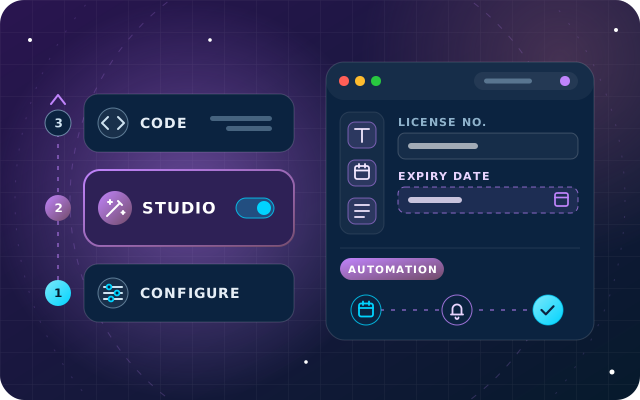
Our rule on every Enterprise project is simple: configuration first, Studio second, code last. This article explains why that order matters on Odoo 18, what Studio does well, where it reaches its limits and how to govern Studio changes so the next upgrade stays predictable.
Every change you make lands in one of three layers. Each layer is more flexible than the one before, and each adds more ownership: someone has to document it, test it and carry it through the next upgrade.
| Layer | What it covers | Who maintains it | At upgrade time |
|---|---|---|---|
| Configuration | Settings and options that Odoo's apps already provide | Your administrator | Carried forward with the standard apps |
| Studio | Fields, views, small apps, PDF reports, automation rules, webhooks and approval rules, built without code | Your administrator or partner | Covered by Odoo's upgrade service while Studio stays installed and the subscription is active |
| Custom code | Modules written in Python, XML and JavaScript, kept in version control | A developer | Ported by whoever maintains the module |
The order is about cost over time, not about which layer is better. A setting costs almost nothing to carry forward. A Studio change costs some testing at each upgrade. A custom module needs a developer every time Odoo changes underneath it.
Before you open Studio, ask how standard Odoo expects the process to work. Many requests turn out to be settings nobody has switched on yet, and a setting is always the cheapest change to own.
Purchase approval is a good example. The Purchase app already has an order approval setting that asks a manager to approve orders above a minimum amount. You could build the same rule in Studio, but you would be duplicating a feature that Odoo already maintains for you.
Other requests that are often configuration rather than customization include document layouts for quotations and invoices, email templates, access groups, payment terms, warehouse routes and lock dates in Accounting. When a standard option covers most of a requirement, adjusting the process slightly is usually wiser than customizing Odoo around it.
Odoo Studio is Odoo's no-code toolbox, and it is an Enterprise app. On Odoo's pricing page, Studio is part of the Custom plan, and installing it on a Standard plan database switches the subscription to Custom. Within those terms, it covers a lot of ground, as the Odoo 18 Studio documentation shows.
Add fields to any form, from simple text and dates to relational fields and related fields that show information from a linked record. Make fields required, read-only or invisible, always or only under conditions, and limit their visibility to particular user groups. Rearrange forms, add tabs and adjust list, kanban, calendar, pivot and graph views. Fields created in Studio get a technical name that starts with x_studio_, which makes them easy to recognize in exports, reports and later reviews.
Studio can build a new model, or a small app, from scratch, with ready-made features such as contact details, pipeline stages, tags, notes and chatter. A register of company vehicles, an equipment checklist or a visitor log are typical examples.
Studio edits existing PDF reports, such as quotations and invoices, and creates new ones. Odoo strongly recommends duplicating the standard report and editing the copy, which keeps the original intact and gives you a clean fallback.
Automation rules run actions when something happens: a field value changes, an email arrives or is sent, a date approaches, a record is saved or deleted, or an external system calls a webhook. Actions include updating a record, scheduling an activity, sending an email, SMS or WhatsApp message, adding followers, creating a record, sending a webhook notification and executing Python code.
Approval rules put an approval step in front of a button, such as confirming an order or posting an entry. You name the approvers or an approver group, add conditions, chain several steps and, with exclusive approval, stop one person from approving two steps of the same record. Approvals are tracked in the record's chatter.
All Studio changes live in one customization module, which you can export as a ZIP file. It can be imported into another database on the same Odoo version with the same apps and modules installed, and a dated export is also a useful snapshot of what has changed.
Studio is excellent at shaping the screens and rules around standard processes. It becomes the wrong tool when a change stops being configuration and starts being software.
This is how we place typical requests. Hosting matters too: on Odoo Online, custom modules cannot be installed, so Studio is the ceiling, while Odoo.sh and on-premise servers accept both.
| Requirement | Best layer | Why |
|---|---|---|
| Purchase orders above an amount need a manager's approval | Configuration | Purchase already has an order approval setting |
| A trade license number and expiry date on vendor records | Studio | Two fields on an existing form |
| A bilingual quotation with your own terms block | Studio | Duplicate the standard report and edit the copy |
| Remind purchasing before a vendor's trade license expires | Studio | An automation rule with a date-based trigger |
| A second sign-off before large credit notes are posted | Studio | An approval rule on the button, with a condition |
| Prices calculated from a rate table, the customer's contract and stock on hand | Custom module | Complex logic that needs automated tests |
| Two-way sync with a marketplace or logistics platform | Custom module | Error handling, retries and logging |
| Changes to how taxes or stock valuation are computed | Custom module, or rethink the request | Core accounting logic deserves strong reasons and thorough testing |
Many UAE businesses need to know when a vendor's trade license is about to expire. Here is how we would build that reminder with Studio, step by step.
Timing rules run on a schedule. Odoo's documentation notes that the scheduler checks trigger dates every four hours by default, so plan reminders in days rather than minutes. The first run also picks up every matching vendor whose reminder date has already passed, so tidy old expiry dates before you switch the rule on in production.
If the requirement later grows into blocking purchase orders for vendors whose license has expired, with exceptions by vendor category and an audit report, that is the moment to move the logic into a small custom module with tests.
Studio makes change easy, which is exactly why it needs a few house rules. These are the ones we put in place on every project:
Odoo's upgrade service covers all standard apps and all customizations made with Studio, as long as Studio is still installed and the subscription is still active. Custom modules fall outside that scope unless they have a maintenance of customizations subscription, so their maintainer ports them.
Covered does not mean untested. When Odoo changes a standard form or report between versions, a Studio change built on it can behave differently. Python inside Execute Code actions may also need updating if it relies on behavior that has changed.
The routine is short: request an upgraded test database, walk through every item in your change log on it, fix what needs fixing and only then schedule the production upgrade. On Odoo Online, upgrades also arrive on Odoo's schedule, so a current change log pays for itself quickly.
On every Odoo Enterprise implementation, we follow the same order: configure the standard apps first, use Studio for what configuration cannot do and write a proper module only when the logic, the integration or the testing needs justify it. Every customization we deliver is documented, Studio or code, so you know what to test at the next upgrade.
If you are still choosing an edition, start with our guide to Odoo Enterprise vs Community, because Studio is an Enterprise app. For Studio configuration, upgrade-safe custom modules and integrations, see our OdooStar services.
Send us your list of change requests through the contact page or call +971 55 973 4524, and an engineer will suggest the right layer for each one.

Star Bit Solutions is a software company in Ajman, UAE, founded in 2014. We implement and customize Odoo Enterprise and Odoo Community, and build StarBiz (AI-driven ERP), StarHub (life super app), StarBot (conversational AI), StarLearn (adaptive learning) and StarSense (AI and IoT platform). About us
Configuration, Studio, custom modules, data migration and training, documented for the next upgrade.
Learn MoreStudio configuration, upgrade-safe custom modules, integrations and support from engineers who write Odoo code.
Learn MoreHow we configure approvals, workflows and master data for trading, manufacturing, healthcare, construction and other sectors.
Learn MoreApps, hosting, upgrades, support and total cost compared, with a decision table for growing businesses in the UAE.
· 9 min read
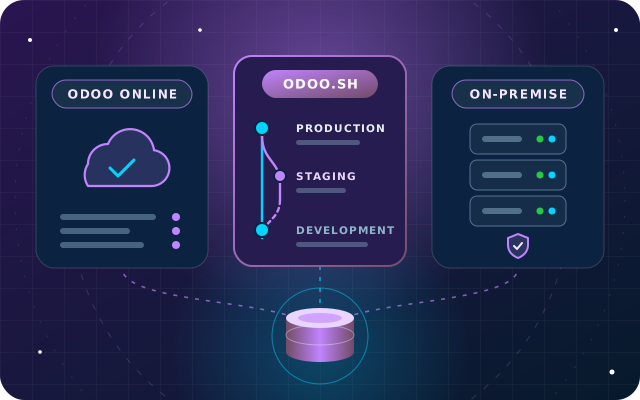
Custom modules, staging, upgrades, backups, data location and cost structure compared, with a hosting decision table for UAE businesses.
· 9 min read
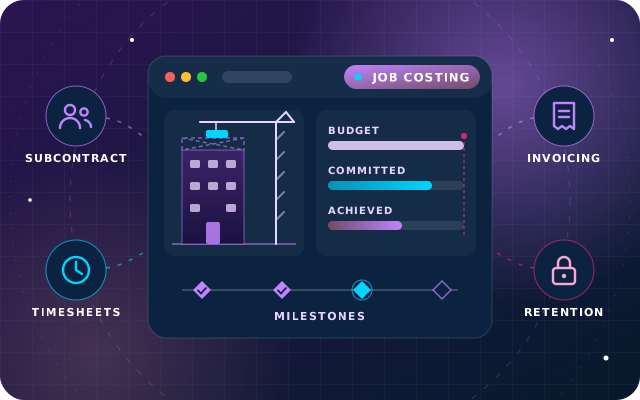
Job budgets with committed cost, purchasing against a job, subcontractor bills, milestone and progress claims, and an honest look at retention in Odoo 19.
· 11 min read
Studio is an Enterprise app and is not available in Odoo Community, where changes are made in code. On Odoo's pricing, Studio belongs to the Custom plan, so installing it on a database that is on the Standard plan moves the subscription to Custom. Check the plan with Odoo or your partner before you install it.
Odoo's upgrade service covers customizations made with Studio, as long as Studio is still installed and the subscription is still active. Test them anyway on the upgraded test database, especially report layouts edited in XML, automation rules that run Python code and changes built on standard views that Odoo has redesigned in the new version.
Yes. Studio works on Odoo Online, Odoo.sh and on-premise databases. On Odoo Online it is the main way to customize, because custom modules and Odoo App Store apps cannot be installed there. If a requirement needs real code, such as a two-way integration, you will need Odoo.sh or your own server.
Move to a module when the logic needs complex calculations, loops over many records, integration with another system, version control, code review or automated tests. Python inside Execute Code actions is custom code without those safeguards, so once it grows beyond a few lines, it is safer in a module hosted on Odoo.sh or on-premise.
Share your list of change requests. We will tell you which ones are configuration, which suit Studio and which need a proper module.