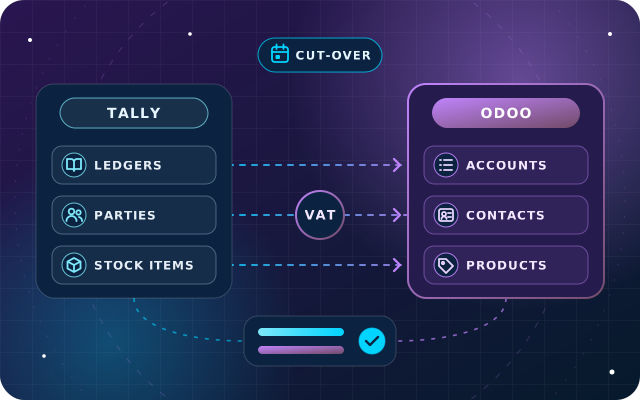
Data migration
Tally to Odoo Migration: A Step-by-Step Plan for UAE Businesses
What moves from Tally to Odoo, what stays archived, how to map UAE VAT, when to cut over and the checks that prove your opening balances match.
· 11 min read
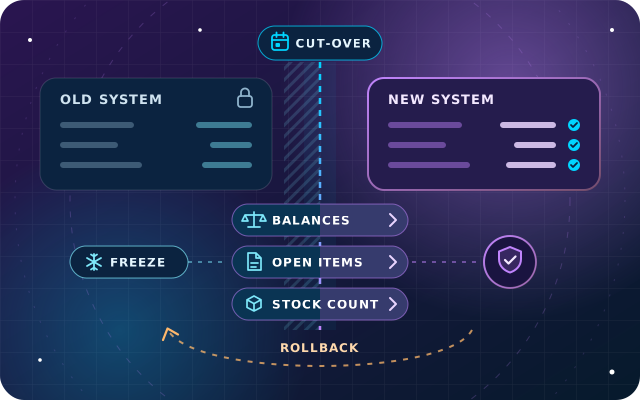
ERP opening balances decide whether your first month in a new system starts clean or starts with a suspense account. This guide covers the cut-over date, the freeze, the stock count, open items, validation and a way back.
Key takeaways
Most enterprise resource planning (ERP) projects spend months on configuration and a weekend on the cut-over. That weekend is when the numbers move from the old system to the new one, and it is where avoidable problems surface: a receivable that will not match, stock valued twice, a suspense account nobody can explain three months later.
Getting ERP opening balances right is less about software than about timing, sequence and evidence. This guide sets out how we plan the cut-over on StarBiz and Odoo projects: what to load as balances and what as open items, how to choose the date, what to freeze, how to count stock, how to prove the numbers and what to do if go-live has to be reversed.
An opening balance is one figure per account: the bank balance, the cost of fixed assets, accrued expenses, share capital. An open item is a document still in progress: an unpaid invoice, a supplier bill, an advance, a check that has not cleared. The new system needs both, in different forms.
The test is simple. If anyone will need to settle, chase, match or age it after go-live, load it as an open item. If not, a balance is enough.
| Area | Load as | Detail needed | Prove it with |
|---|---|---|---|
| Bank and cash | Balance, plus uncleared items | Statement balance, unpresented checks | Bank reconciliation at cut-over |
| Receivables | Open items per customer | Number, dates, amount due, currency | Aging by customer |
| Payables | Open items per supplier | Number, dates, amount due, currency | Aging by supplier |
| Stock | Quantities at agreed cost | Product, location, lot, unit cost | Count sheets and valuation |
| Fixed assets | Asset register | Cost, depreciation to date, remaining life | Register against the ledger |
| Value added tax (VAT) | Balances on VAT accounts | Periods already filed | Last return and VAT ledgers |
| Everything else | Balance per account | Account mapping | Trial balance comparison |
Fixed assets deserve a note. Load each asset with its cost, acquisition date, depreciation to date and remaining life, so the new system continues the schedule instead of restarting it, and later disposals calculate the right gain or loss.
There is no perfect date, only better and worse ones. In order of preference: the first day of a financial year, the first day of a VAT period, then the first day of a month. A mid-month cut-over splits everything, because a VAT return, a payroll run and a month-end close all draw on two systems.
Check the date against these constraints before you commit:
Then accept that final balances arrive late. The old system still has to close its last period, with accruals, depreciation, currency revaluation and audit adjustments, and that can take weeks. Plan two passes: provisional balances at go-live so operations can start, then a true-up entry in the new system, dated with the opening entry, once the old books are final.
The freeze is a short window, usually a few days either side of the cut-over, when the data behind the opening balances must stop changing. Without it, you load a moving target.
Give the freeze log an owner. Every exception is either re-entered in the new system or deliberately left in the old one, never both. Tell customers and suppliers in advance if invoice numbers, statements or payment details will change.
Stock is often the largest figure in the opening balance sheet and the hardest to get right, because it carries quantity, location, lot, cost and value at once. A procedure that works:
Then settle the edge cases: goods in transit, goods received but not invoiced, consignment stock and goods held for customers. Each needs a decision on which side of the cut-over it falls, and whether it sits in stock, in payables or in neither. If the new system values stock automatically, loading the count may post its value to the ledger, so book the value once, through the count or through the opening entry, never both.
A receivable balance tells you the total, but it does not let anyone collect it. Load every open customer invoice and supplier bill as its own document, with the partner, original number, invoice date, due date, amount still due and currency. Watch the special cases:
Load these documents against clearing accounts, and in the opening trial balance replace the receivable and payable lines with the same clearing accounts. Do not charge VAT again: the VAT on these documents was recorded in the old system and arrives through the VAT balances.
The old trial balance shows receivables of AED 250,000. Its aging report lists open invoices of AED 262,000 and unapplied customer credits of AED 12,000. In the new system:
The clearing account ends at zero, and receivables show AED 250,000, now split by customer and invoice. If the clearing account shows a balance instead, such as AED 3,000, something was missed, perhaps a credit note, and you find out before go-live rather than at the first month-end.
Validation is a finance sign-off with evidence, not a glance at the trial balance. Build a reconciliation pack and have the finance lead sign each line:
Then lock the opening period so nobody posts into it by mistake. StarBiz has fiscal-year locks and period closing controls, and Odoo has lock dates, described in its year-end closing documentation.
Tip: write a cut-over runbook listing every step in order, with its owner, expected duration and check. Use it for each rehearsal on a copy of the new system, and on the day, tick it off line by line.
Every cut-over needs a way back, written down before go-live. A rollback plan is not pessimism. It is what lets the steering group approve go-live with confidence.
Agree where the point of no return lies. It usually arrives when invoices with new numbers have reached customers, or payments have run from the new system. After that, problems are fixed forward, which is why hypercare, the period of close support straight after go-live, matters.
Parallel running means entering the same transactions in both systems for a period and comparing the results. It sounds like the safest option, and for some processes it is.
| It helps when | It hurts when |
|---|---|
| Errors hit people directly, as in payroll | Teams have no spare time for double entry |
| A complex calculation, such as costing, must be proven | Processes change, so results cannot be compared |
| Auditors, lenders or a parent company ask for evidence | It drags on, and users keep trusting the old system |
A middle path often works better: run payroll or one critical process in parallel for a cycle, and rely on rehearsals, the validation pack and the rollback plan for everything else.
Cut-over is part of every implementation we run. On StarBiz, our AI-driven ERP, the migrate and train phase covers cleaned master data, opening balances, role-based training and user acceptance testing, followed by a supported cut-over and hypercare. On Odoo Enterprise or Community, our OdooStar team handles extraction, cleansing and mapping, reconciled opening balances and, where it earns its cost, a parallel run.
Moving from Tally? Our Tally to Odoo migration plan applies these steps to one source system. For anything else, send us your current system, preferred go-live month and year-end through the contact page or on +971 55 973 4524, and an engineer will outline a cut-over plan.

Star Bit Solutions is a software company in Ajman, UAE, founded in 2014. We implement and customize Odoo Enterprise and Odoo Community, and build StarBiz (AI-driven ERP), StarHub (life super app), StarBot (conversational AI), StarLearn (adaptive learning) and StarSense (AI and IoT platform). About us
Finance, sales, inventory and people on one platform, with opening balances and cut-over planned in the migrate and train phase.
Learn MoreMigration to Odoo with extraction, cleansing, mapping, reconciled opening balances and a parallel run where it is worth it.
Learn MoreMulti-company finance, fiscal locks and audit logs for businesses that answer to auditors and regulators.
Learn MoreWhat moves from Tally to Odoo, what stays archived, how to map UAE VAT, when to cut over and the checks that prove your opening balances match.
· 11 min read
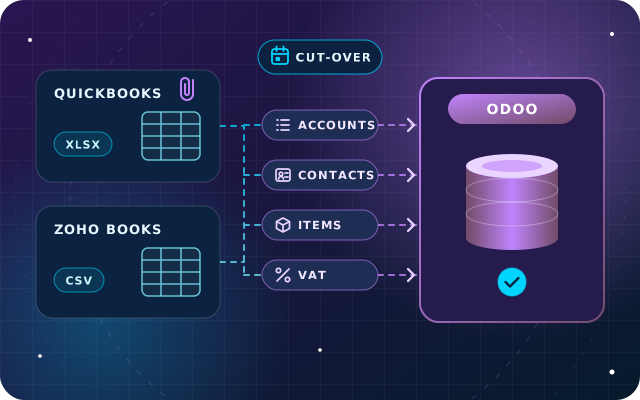
What QuickBooks and Zoho Books can export, how accounts, contacts, items and VAT codes map to Odoo, what to do with history and attachments, and how to cut over.
· 9 min read
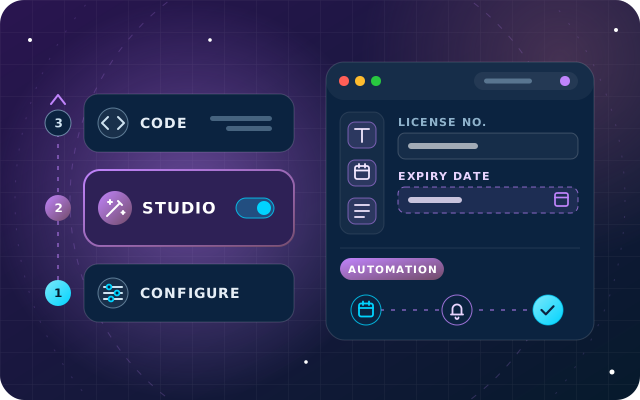
A practical rule for Odoo 18: configure first, use Studio second and write code last, with governance and upgrade tips for each layer.
· 10 min read
Opening balances are the figures and open documents a new ERP starts from on go-live day: bank and cash, stock, fixed assets, receivables, payables, VAT and equity. Most accounts need only a balance, but anything that will be paid, chased or matched later, such as invoices, bills, advances and credit notes, should be loaded as individual open items.
Migrate the open invoices. A single balance shows what is owed in total but not by whom or for which invoice, so statements, follow-ups and payment matching all suffer. Load each unpaid invoice with its number, dates and amount still due against a clearing account, then check that the clearing account nets to zero.
Not always. Full parallel running doubles the workload and often proves little, because processes differ between the two systems. It earns its cost for payroll and critical calculations. For most areas, rehearsed cut-overs, a signed validation pack and a written rollback plan give better assurance for less effort.
Go live with provisional balances and true them up later. When the old books are closed and the audit adjustments agreed, compare the final trial balance with the provisional one and post the differences in the new system as an adjusting entry dated with the opening entry. Keep the old system readable until then.
As short as the work allows, usually a few days either side of the cut-over date. It has to cover the stock count, the last postings in the old system and the loading and validation of opening balances. Route anything that cannot wait through a change log with a named owner.
Tell us your current system and target go-live month. We will plan the cut-over, load the opening balances and prove them with your finance team.