The Challenge
The operator maintains a portfolio of commercial and mixed-use buildings for several owners. Each building was handed over with its own building management system, chiller and pump controllers, lift monitoring from the lift contractor and meters from whichever supplier won the original package. Every system came with its own software, login and alarm list, so the control room watched several screens at once and engineers received alarms from some systems but not others.
The result was noise. Building systems raised an alarm every time a threshold was crossed, often repeating the same event, burying the important alarms among routine ones. Alarms that nobody owned were acknowledged to silence them and then forgotten. When a technician did act, the job was reported by phone or email and typed into the maintenance system by hand, with no link to the triggering reading. Owners asked for evidence of response and repair, and the operator had to rebuild it from screenshots and messages.
The brief was to see every device in one place without replacing working systems, to give every alarm that matters an owner, and to connect each sensor reading to the work order that resolved it. These are the gaps we meet most often in Smart Cities and IoT projects.
- A separate screen, login and alarm list for every vendor
- Repeated, low-value alarms drowning out the important ones
- Alarms silenced with no owner and no follow-up
- Hand-typed work orders with no link to the readings
- No evidence of response and repair for owners
Our Approach
We began with a site survey across a representative set of buildings, listing every system, controller and meter with its protocol, its owner and the connectivity in each plant room. Most building management systems and controllers already exposed Modbus or MQTT, so StarSense gateways could read them as they were. Plant with no usable interface was fitted with wireless sensors, and LoRaWAN carried readings from basements and remote plant rooms where other links were weak.
In parallel we ran alarm workshops with the control room and engineering leads. Every existing alarm was sorted into events that must raise a work order at once, events that need a person's judgment and events that belong in a report rather than an alert. Each was given an owner, a severity and an escalation path, and that became the triage design. The fit-gap review against StarBiz confirmed that maintenance work orders, spare parts and asset records needed configuration only. The real work was the asset register: every device in StarSense had to point to the right asset, building and owner in StarBiz.
- Pilot: a small group of buildings went live first, with the new rules in dry-run mode alongside the old alarm screens.
- Asset register cleansing: devices, assets and locations were reconciled between StarSense and StarBiz under one naming convention.
- Triage tuning: deduplication, severities and quiet hours were adjusted against real alarm history before any rule could raise a work order.
- Scale-out: proven device types rolled out building by building, with access roles per site.
- Training: the control room on alert triage, technicians on work orders and device health, and managers on the dashboards.
The Solution
One Registry for Every Vendor's Devices
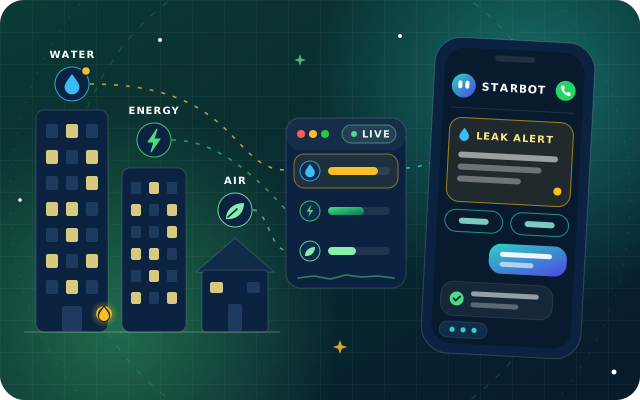
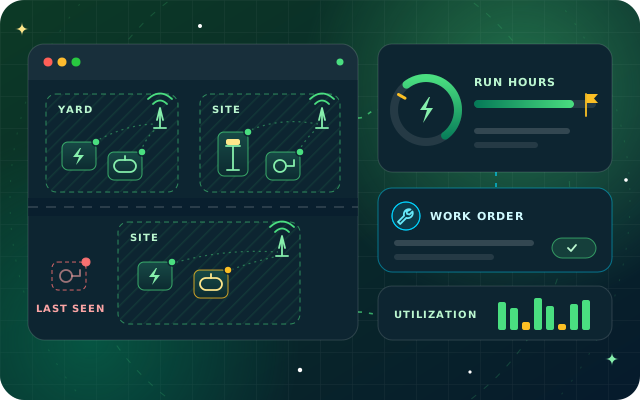
Every controller, meter and sensor now sits in the StarSense device registry with its location, type, firmware and owner. Gateways speak MQTT, Modbus, BLE and LoRaWAN, so chillers, pumps, lifts, lighting panels and meters from different vendors report into one time-series store and one set of dashboards. Each device has its own credentials, connections are TLS-encrypted and gateways buffer readings through a dropped link. Device health views show heartbeat, signal strength, battery level and last-seen status, and a missing-data condition raises an alert when a device goes quiet.
Anomaly Detection That Someone Triages
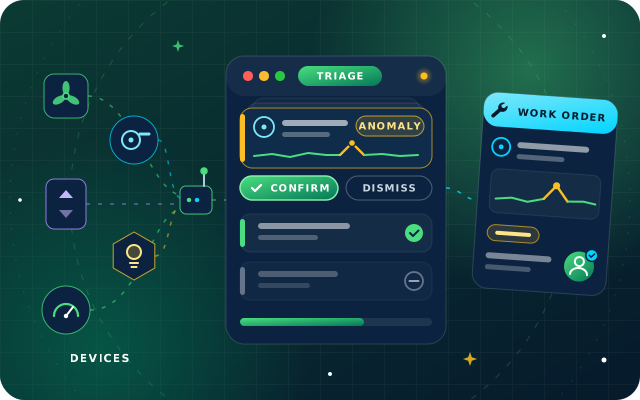
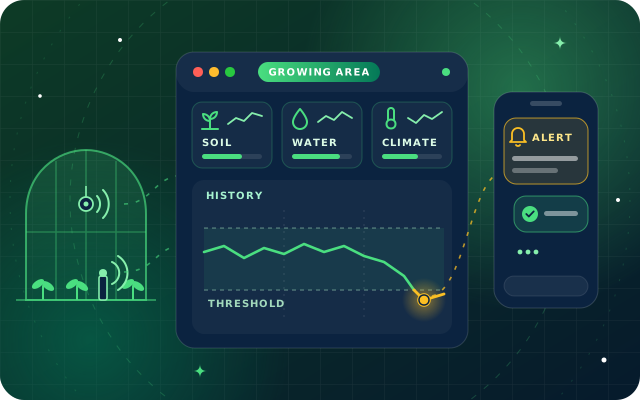
StarSense learns the normal behavior of each asset from its own history and compares it with neighboring sensors, so a pump drawing more current than usual or a chiller cycling more often than its baseline is scored before a hard limit is crossed. Duplicate alerts are merged, each alert carries a severity and an owner, and quiet hours keep low-severity events away from the night shift. Alerts reach the control room in-app and by email, and an unacknowledged alert escalates to a second contact. The duty engineer triages open alerts as they arrive, acknowledging each one and then confirming or dismissing it, and each decision is fed back to retrain the model. Root-cause views that correlate events across neighboring sensors show when several alarms share one cause.
Work Orders Raised from the Readings
When an engineer confirms an alert, StarSense raises a maintenance work order in StarBiz through its native connection, with the asset, location, severity and triggering readings attached. Events classed as urgent in the alarm workshops, such as a pump that has stopped or water detected in a plant room, raise a work order without waiting for triage. Technicians open the job on mobile and see the asset, its maintenance history and the spare parts held in StarBiz inventory before they set out. As jobs close, maintenance history and cost per asset build up for repair-or-replace decisions.
Dashboards and Evidence for Owners
Dashboards per site, building and asset show open alerts and device health, with drill-down to raw readings, while every work order and its status stay in StarBiz. Role-based access by site lets each owner's representatives see their own buildings, scheduled reports in PDF and XLSX give each owner a regular account of alerts raised and how they were handled, and the audit log records every acknowledgment, rule change and command.